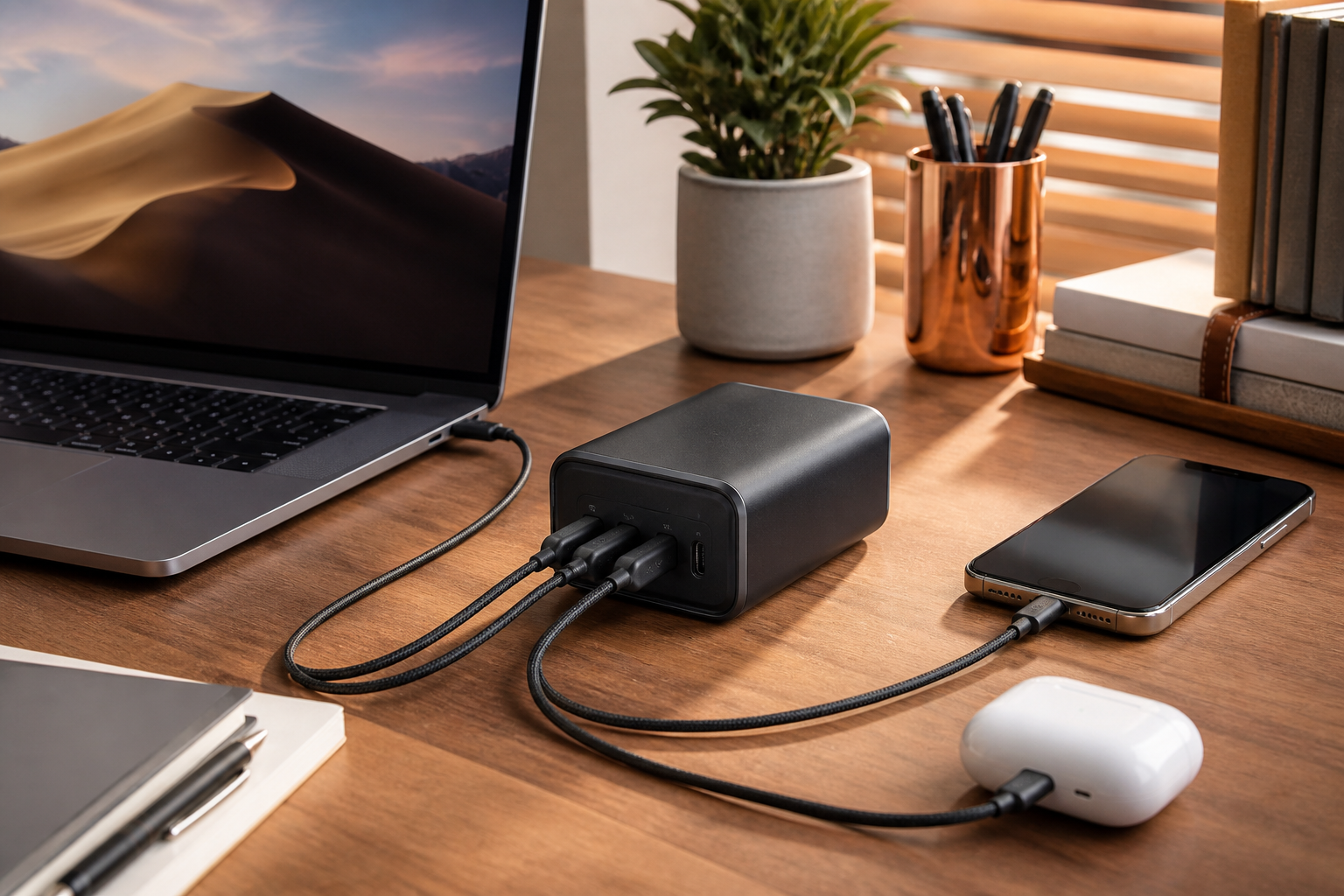
A well-designed USB-C charging station can replace several bulky adapters and keep a desk or travel bag organized. The key is matching total power output, port selection, and charging standards to the devices you use every day.
Understand Power Requirements
Laptops may need substantially more power than phones or earbuds. Check the maximum wattage of every USB-C port and how power is redistributed when several devices are connected at the same time.
- Confirm USB Power Delivery support for laptops and tablets.
- Choose enough ports for your normal setup with one spare.
- Use certified cables rated for the required wattage.
- Look for over-current, over-voltage, and temperature protection.
- Compare size and plug design if you plan to travel.
GaN Chargers and Port Layout
Gallium nitride chargers can deliver high power from a smaller enclosure, but port spacing and cable direction still affect daily convenience. A stable desktop base may be better for a permanent workstation, while a compact wall charger is easier to pack.
Buying With Confidence
Read the power-allocation chart rather than relying only on the advertised total wattage. Confirm warranty coverage and current compatibility information before ordering.
Affiliate disclosure: Best Finds may earn a commission from qualifying purchases made through affiliate links, at no additional cost to you.